Note
Go to the end to download the full example code.
3D scatter
3D scatter plot of clustered points.
Source: dartwork_mpl/asset/prompt/05-templates/plot_3d.py ·
dm.get_prompt("05-templates/plot_3d") · MCP
dartwork-mpl://templates/plot_3d.
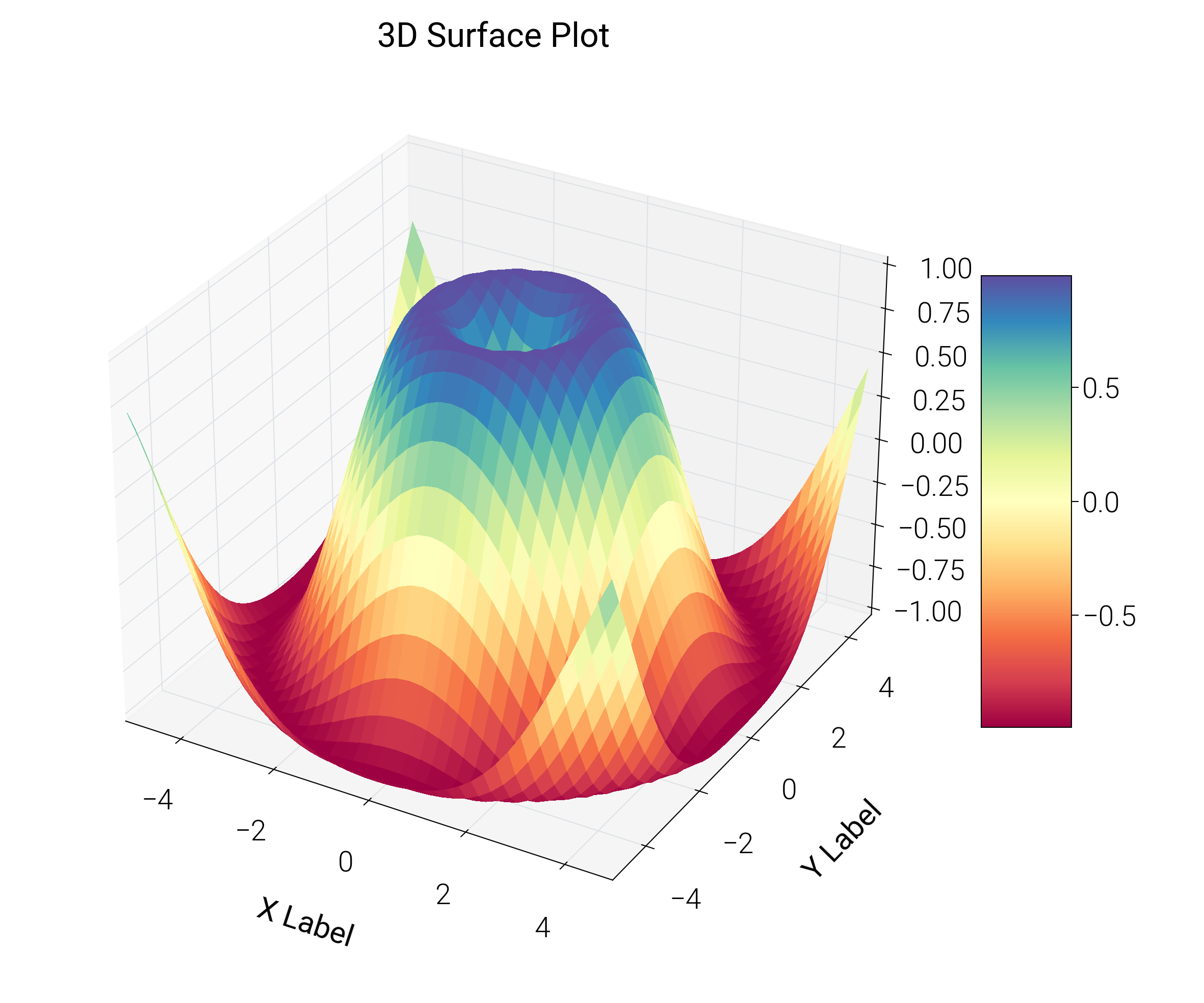
# ai-template-meta-start
# use_case: Show a 3D surface or scatter to communicate depth
# difficulty: advanced
# data_shape: x, y, z arrays (2D for surface, 1D for scatter)
# tags: 3d, surface, scatter, depth
# ai-template-meta-end

import matplotlib.pyplot as plt
import numpy as np

import dartwork_mpl as dm

dm.style.use("scientific")

rng = np.random.default_rng(42)
n_per_cluster = 60
centers = [(0, 0, 0), (3, 3, 2), (4, 1, 4)]
colors = ["dc.teal2", "dc.green2", "dc.orange2"]

fig, ax = plt.subplots(
    figsize=dm.figsize("13cm", "square"), subplot_kw={"projection": "3d"}
)
for (cx, cy, cz), color in zip(centers, colors, strict=False):
    xs = rng.normal(cx, 0.7, n_per_cluster)
    ys = rng.normal(cy, 0.7, n_per_cluster)
    zs = rng.normal(cz, 0.7, n_per_cluster)
    ax.scatter(xs, ys, zs, color=color, edgecolor="white", linewidth=0.3, s=20)
ax.set_xlabel("X axis")
ax.set_ylabel("Y axis")
ax.set_zlabel("Z axis")
ax.set_title("3D clusters", fontsize=dm.fs(1), fontweight=dm.fw(1))

dm.simple_layout(fig)
Total running time of the script: (0 minutes 0.502 seconds)