Note
Go to the end to download the full example code.
Styled Figure + Multi-format Save
Apply a dartwork style preset and create a figure in two steps —
dm.style.use("…") then plt.figure(...) — then finish with the
dm.save_formats(fig, name, formats=(...), dpi=...) multi-format save
recipe (shown commented at the bottom). Pass any preset name
("scientific", "report", "web", …) to dm.style.use.
The figure also inlines the minimal-axes recipe (hidden top/right spines + a light dashed y-grid), the idiom that replaced the removed spine helpers.
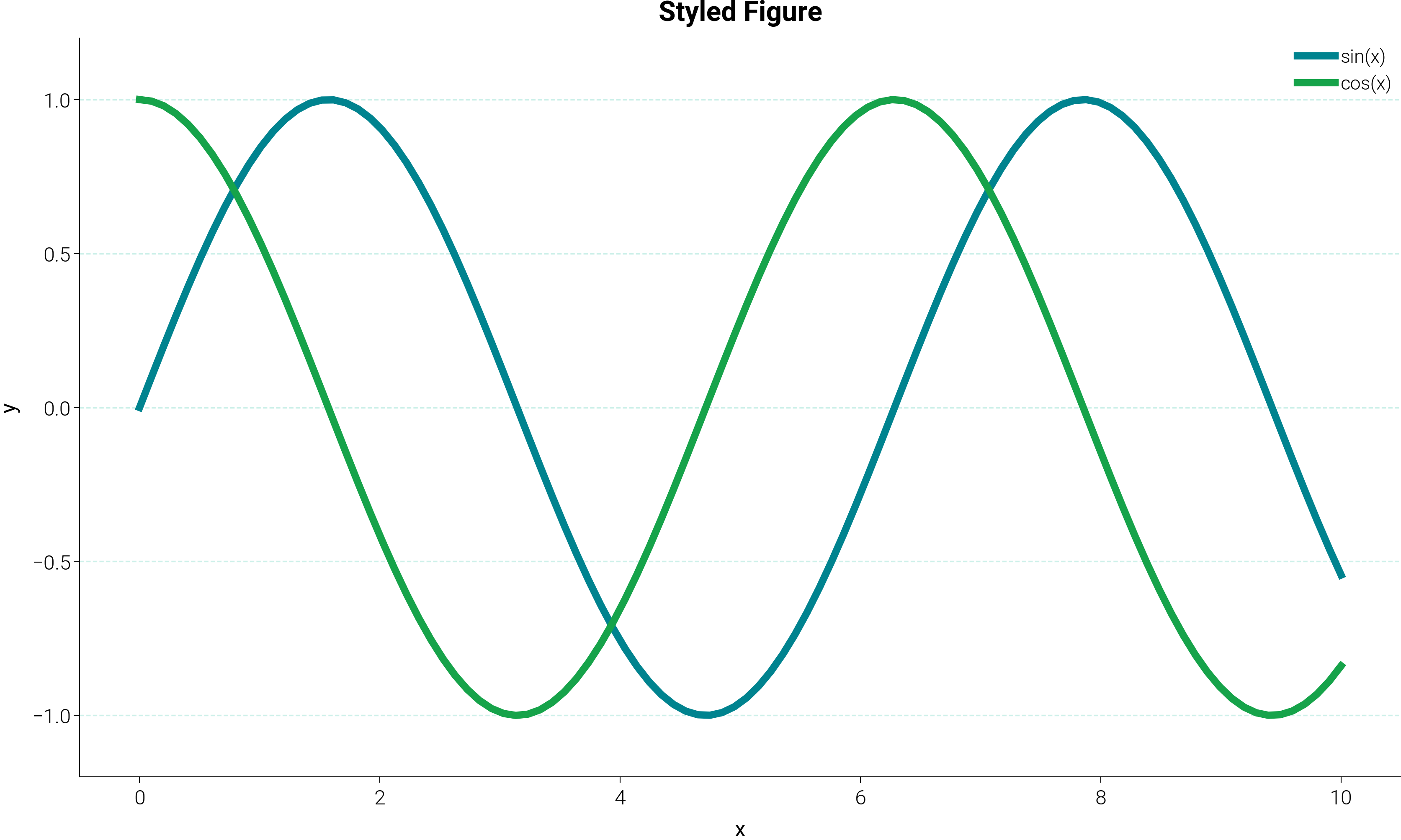
Figure created with dm.style.use + plt.figure.
Figure size: [6.69291339 4.01574803]
DPI: 300.0
import matplotlib.pyplot as plt
import numpy as np

import dartwork_mpl as dm

# Apply the style preset, then create the figure.
# Width defaults to 17 cm (two-column figure), height ≈ 60% of width.
dm.style.use("scientific")
fig = plt.figure(figsize=dm.figsize("17cm", 0.6))
ax = fig.add_subplot(111)

x = np.linspace(0, 10, 100)
ax.plot(x, np.sin(x), color="dc.teal2", lw=dm.lw(1.5), label="sin(x)")
ax.plot(x, np.cos(x), color="dc.red2", lw=dm.lw(1.5), label="cos(x)")
ax.set_xlabel("x", fontsize=dm.fs(0))
ax.set_ylabel("y", fontsize=dm.fs(0))
ax.set_title("Styled Figure", fontsize=dm.fs(2))
ax.legend(fontsize=dm.fs(-1))
# Inline minimal-axes recipe (top/right hidden + light dashed y-grid).
ax.spines["top"].set_visible(False)
ax.spines["right"].set_visible(False)
ax.grid(
    True, axis="y", alpha=0.2, color="dc.indigo1", linestyle="--", linewidth=0.5
)
ax.set_axisbelow(True)
dm.simple_layout(fig)

# To save to disk, use dm.save_formats:
#   from pathlib import Path
#   Path("output").mkdir(parents=True, exist_ok=True)
#   dm.save_formats(fig, "output/figure", formats=("png",), dpi=300)

print("Figure created with dm.style.use + plt.figure.")
print(f"Figure size: {fig.get_size_inches()}")
print(f"DPI: {fig.dpi}")

plt.show()
Total running time of the script: (0 minutes 0.389 seconds)