Note
Go to the end to download the full example code.
Simple Layout: Default vs Margin Buffer
Two figures host identical axes content. The only difference is the
margin argument passed to dm.simple_layout: the first uses the
default (axes content snaps flush against the figure edges) while the
second adds a uniform 2 % buffer on every side.
(A single simple_layout call sizes the whole figure, so the two
margins are shown as two separate figures rather than two panels.)
simple_layout measures every visible artist on every axes and
arithmetically places the GridSpec so the content union sits at the
requested distance from each figure edge — see
Layout and Typography for the full margin API
(Length, percentage strings, per-side
ml / mr / mt / mb).
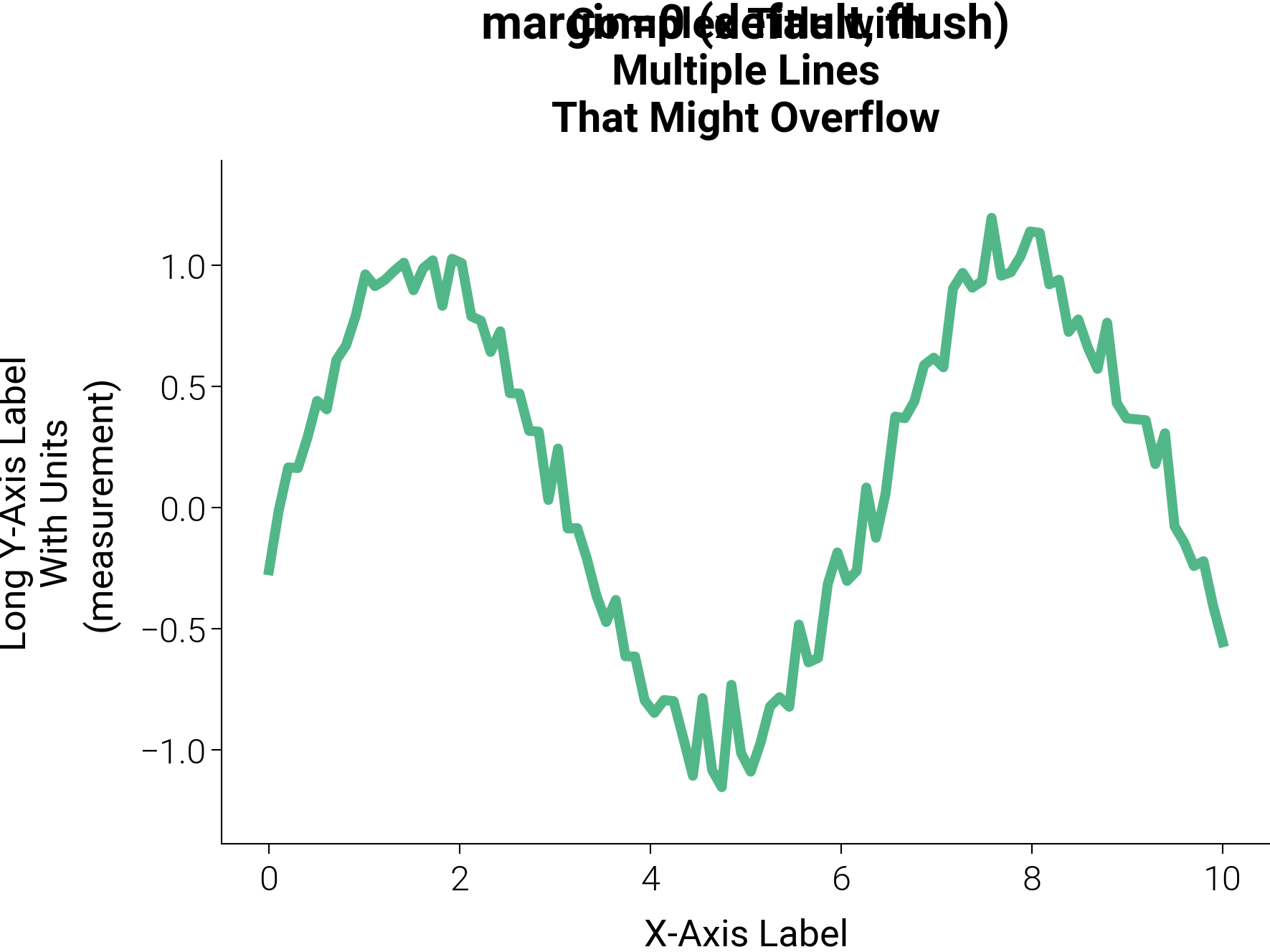
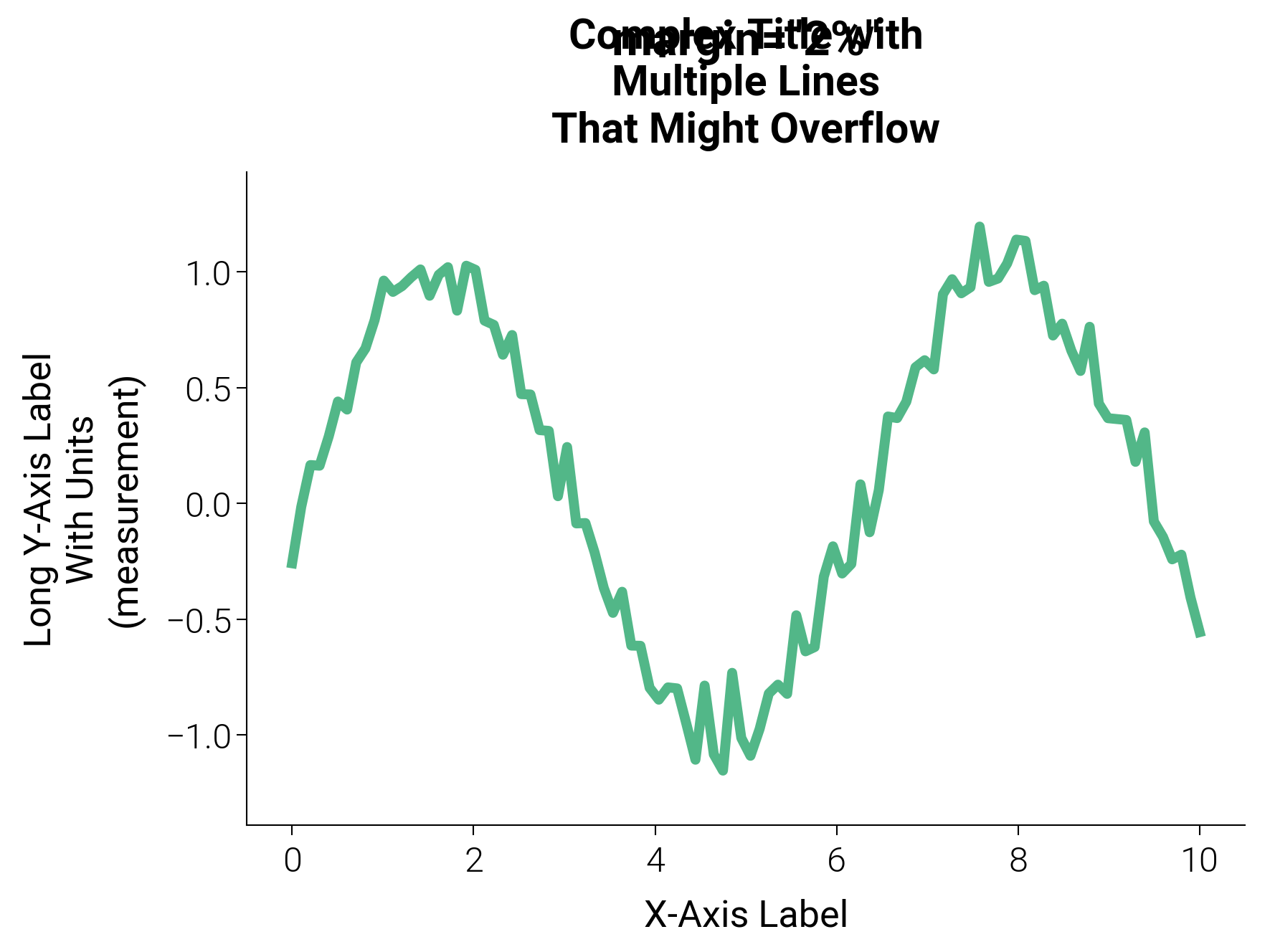
import matplotlib.pyplot as plt
import numpy as np

import dartwork_mpl as dm

dm.style.use("scientific")

x = np.linspace(0, 10, 100)
y = np.sin(x) + 0.1 * np.random.randn(100)


def _make_figure(margin_label: str):
    fig, ax = plt.subplots(figsize=dm.figsize("9cm", "standard"))
    ax.plot(x, y, color="dc.green2", lw=dm.lw(1))
    ax.set_title(
        "Complex Title with\nMultiple Lines\nThat Might Overflow",
        fontsize=dm.fs(1),
    )
    ax.set_ylabel(
        "Long Y-Axis Label\nWith Units\n(measurement)", fontsize=dm.fs(0)
    )
    ax.set_xlabel("X-Axis Label", fontsize=dm.fs(0))
    ax.text(
        0.5,
        1.18,
        margin_label,
        transform=ax.transAxes,
        ha="center",
        fontsize=dm.fs(2),
        weight="bold",
    )
    return fig


# Default: the content union snaps flush to the figure edges.
fig_flush = _make_figure("margin=0 (default, flush)")
dm.simple_layout(fig_flush)

# A uniform 2 % buffer on every side.
fig_buffered = _make_figure('margin="2%"')
dm.simple_layout(fig_buffered, margin="2%")

plt.show()
Total running time of the script: (0 minutes 0.436 seconds)