Note
Go to the end to download the full example code.
Geometric Pattern Art
Create stunning geometric patterns and mathematical art using dartwork-mpl’s precise styling and color capabilities.
import matplotlib.pyplot as plt
import numpy as np
from matplotlib.patches import Circle, Polygon, Rectangle

import dartwork_mpl as dm

np.random.seed(42)
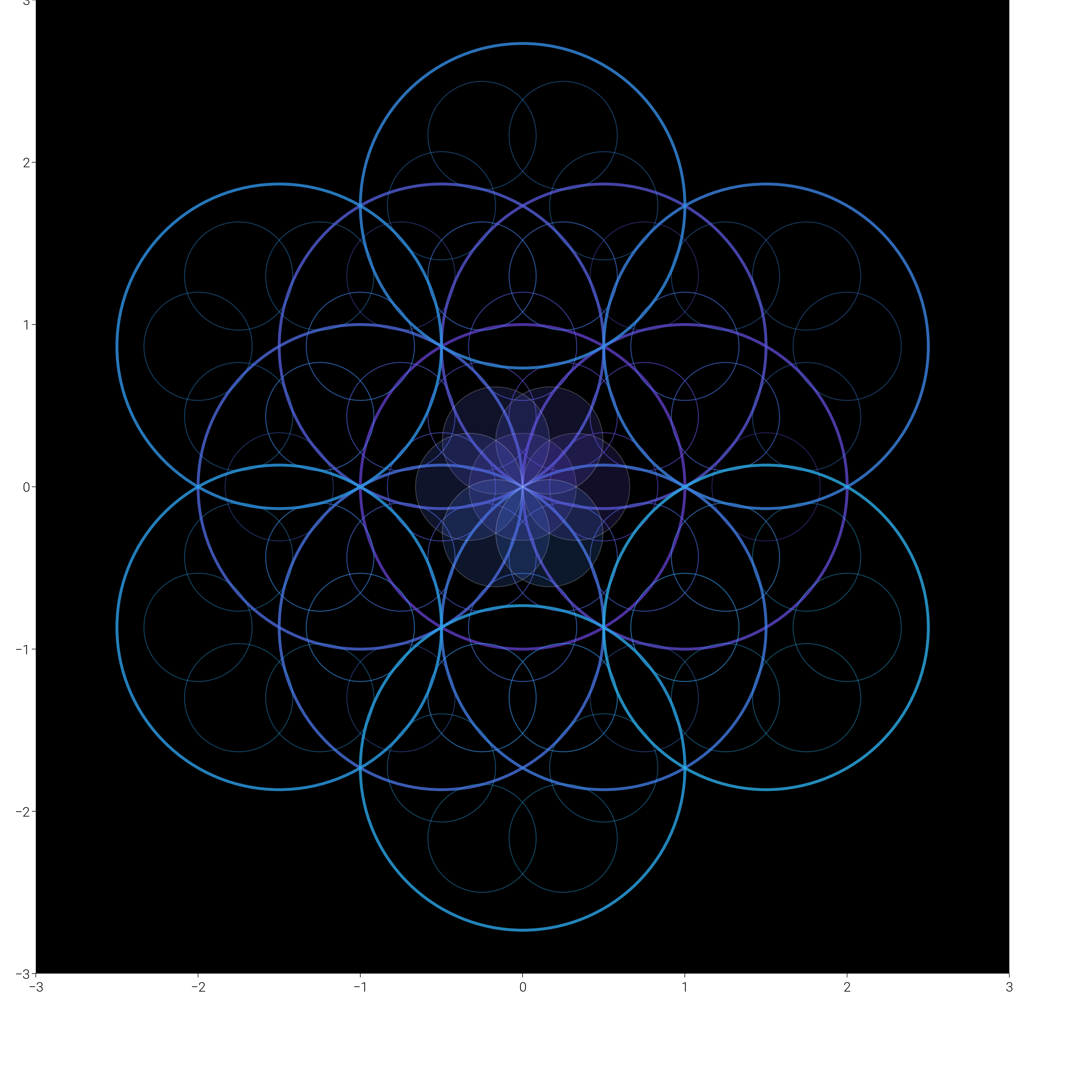
Sacred Geometry: Flower of Life
Create the ancient sacred geometry pattern with modern gradient colors.
dm.style.use("scientific")

fig, ax = plt.subplots(figsize=(dm.cm2in(20), dm.cm2in(20)))


# Create the flower of life pattern
def draw_flower_of_life(ax, center, radius, levels, colors):
    """Draw flower of life pattern recursively"""
    circles = []

    # Center circle
    circles.append((center[0], center[1], radius))

    # First ring - 6 circles
    for i in range(6):
        angle = i * np.pi / 3
        x = center[0] + radius * np.cos(angle)
        y = center[1] + radius * np.sin(angle)
        circles.append((x, y, radius))

    # Second ring - 12 circles
    if levels >= 2:
        for i in range(6):
            angle1 = i * np.pi / 3
            angle2 = (i + 1) * np.pi / 3
            center[0] + radius * np.cos(angle1)
            center[1] + radius * np.sin(angle1)
            center[0] + radius * np.cos(angle2)
            center[1] + radius * np.sin(angle2)

            # Intersection point
            x = center[0] + radius * np.sqrt(3) * np.cos(angle1 + np.pi / 6)
            y = center[1] + radius * np.sqrt(3) * np.sin(angle1 + np.pi / 6)
            circles.append((x, y, radius))

    # Draw all circles with gradient colors
    for i, (cx, cy, r) in enumerate(circles):
        color = colors[i % len(colors)]
        circle = Circle(
            (cx, cy),
            r,
            fill=False,
            edgecolor=color.to_hex(),
            linewidth=1.5,
            alpha=0.8,
        )
        ax.add_patch(circle)

        # Add inner patterns
        for j in range(6):
            angle = j * np.pi / 3
            inner_x = cx + r / 2 * np.cos(angle)
            inner_y = cy + r / 2 * np.sin(angle)
            inner_circle = Circle(
                (inner_x, inner_y),
                r / 3,
                fill=False,
                edgecolor=color.to_hex(),
                linewidth=0.5,
                alpha=0.4,
            )
            ax.add_patch(inner_circle)


# Create color gradient
colors_sacred = dm.cspace("oc.violet9", "oc.cyan3", n=19, space="oklch")

# Draw the pattern
draw_flower_of_life(ax, (0, 0), 1, 2, colors_sacred)

# Add central seed of life
for i in range(7):
    if i == 0:
        x, y = 0, 0
    else:
        angle = (i - 1) * np.pi / 3
        x, y = 0.33 * np.cos(angle), 0.33 * np.sin(angle)

    circle = Circle(
        (x, y),
        0.33,
        fill=True,
        facecolor=colors_sacred[i].to_hex(),
        alpha=0.2,
        edgecolor="white",
        linewidth=0.5,
    )
    ax.add_patch(circle)

# Styling
ax.set_xlim(-3, 3)
ax.set_ylim(-3, 3)
ax.set_aspect("equal")
dm.hide_all_spines(ax)
ax.set_facecolor("black")

# Title
ax.text(
    0,
    -3.5,
    "Flower of Life",
    ha="center",
    fontsize=dm.fs(3),
    color="white",
    weight="bold",
)
ax.text(
    0,
    -3.8,
    "Sacred Geometry",
    ha="center",
    fontsize=dm.fs(0),
    color="oc.gray5",
    style="italic",
)

dm.simple_layout(fig)
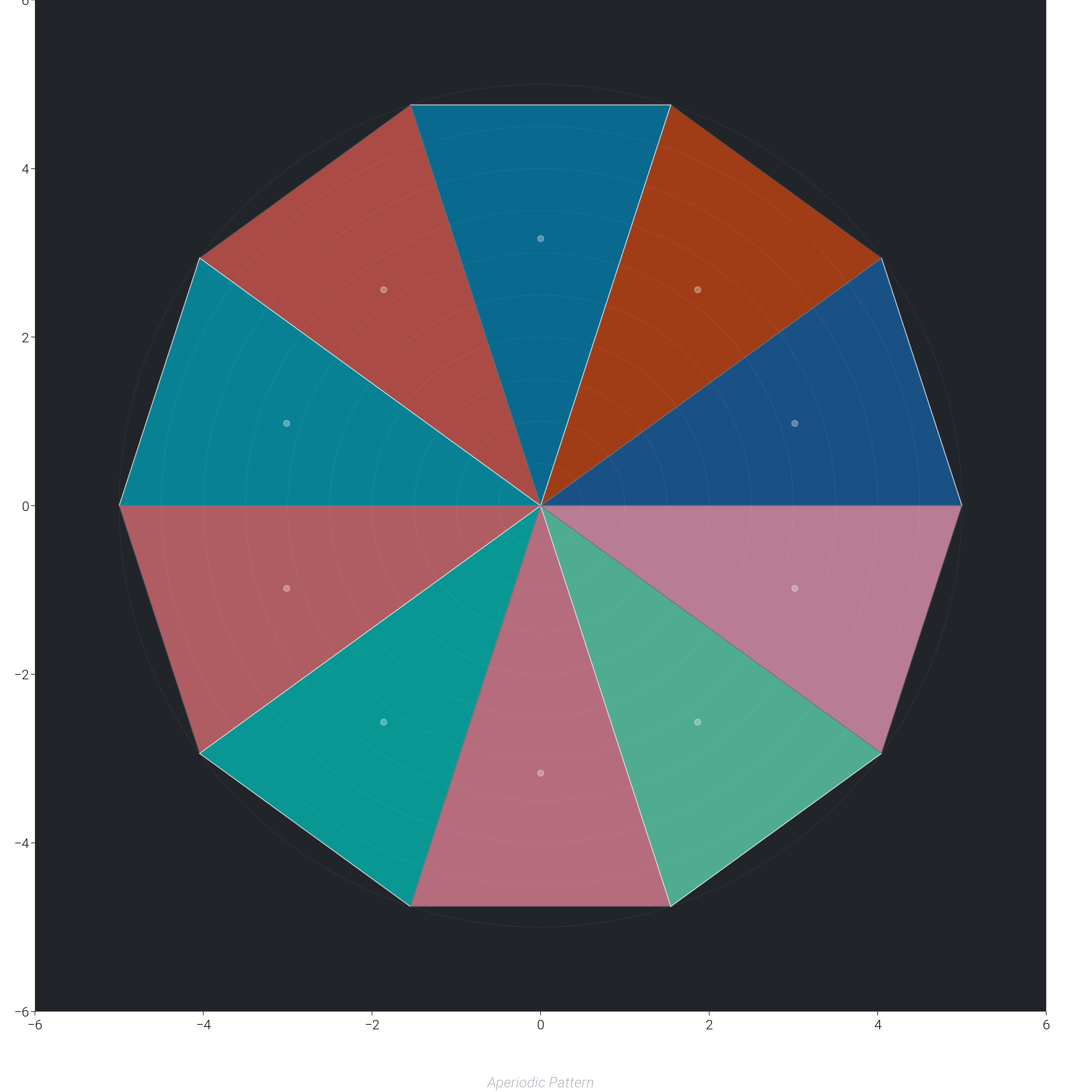
Penrose Tiling Pattern
Create a non-periodic Penrose tiling with beautiful color gradients.
fig, ax = plt.subplots(figsize=(dm.cm2in(20), dm.cm2in(20)))

# Define golden ratio
phi = (1 + np.sqrt(5)) / 2


def create_penrose_triangles(n_iterations=5):
    """Generate Penrose tiling using subdivision"""
    # Start with initial triangles
    triangles = []

    # Create initial wheel of triangles
    for i in range(10):
        angle = i * 2 * np.pi / 10
        if i % 2 == 0:
            # Type A triangle (acute)
            p1 = (0, 0)
            p2 = (5 * np.cos(angle), 5 * np.sin(angle))
            p3 = (
                5 * np.cos(angle + 2 * np.pi / 10),
                5 * np.sin(angle + 2 * np.pi / 10),
            )
            triangles.append(("A", [p1, p2, p3]))
        else:
            # Type B triangle (obtuse)
            p1 = (0, 0)
            p2 = (5 * np.cos(angle), 5 * np.sin(angle))
            p3 = (
                5 * np.cos(angle + 2 * np.pi / 10),
                5 * np.sin(angle + 2 * np.pi / 10),
            )
            triangles.append(("B", [p1, p2, p3]))

    return triangles


# Generate triangles
triangles = create_penrose_triangles()

# Create color schemes for different triangle types
colors_type_a = dm.cspace("oc.blue9", "oc.teal3", n=len(triangles) // 2)
colors_type_b = dm.cspace("oc.orange9", "oc.pink3", n=len(triangles) // 2)

# Draw triangles
a_count, b_count = 0, 0
for tri_type, points in triangles:
    if tri_type == "A":
        color = colors_type_a[a_count % len(colors_type_a)]
        a_count += 1
        edge_color = "white"
    else:
        color = colors_type_b[b_count % len(colors_type_b)]
        b_count += 1
        edge_color = "oc.gray7"

    triangle = Polygon(
        points,
        facecolor=color.to_hex(),
        edgecolor=edge_color,
        linewidth=0.5,
        alpha=0.7,
    )
    ax.add_patch(triangle)

    # Add decorative center point
    center = np.mean(points, axis=0)
    ax.scatter(*center, s=10, c="white", alpha=0.3)

# Add radial gradient overlay
for r in np.linspace(0.5, 5, 10):
    circle = Circle(
        (0, 0), r, fill=False, edgecolor="white", linewidth=0.2, alpha=0.1
    )
    ax.add_patch(circle)

# Styling
ax.set_xlim(-6, 6)
ax.set_ylim(-6, 6)
ax.set_aspect("equal")
dm.hide_all_spines(ax)
ax.set_facecolor("oc.gray9")

# Title
ax.text(
    0,
    -6.5,
    "Penrose Tiling",
    ha="center",
    fontsize=dm.fs(3),
    color="white",
    weight="bold",
)
ax.text(
    0,
    -6.9,
    "Aperiodic Pattern",
    ha="center",
    fontsize=dm.fs(0),
    color="oc.gray5",
    style="italic",
)

dm.simple_layout(fig)
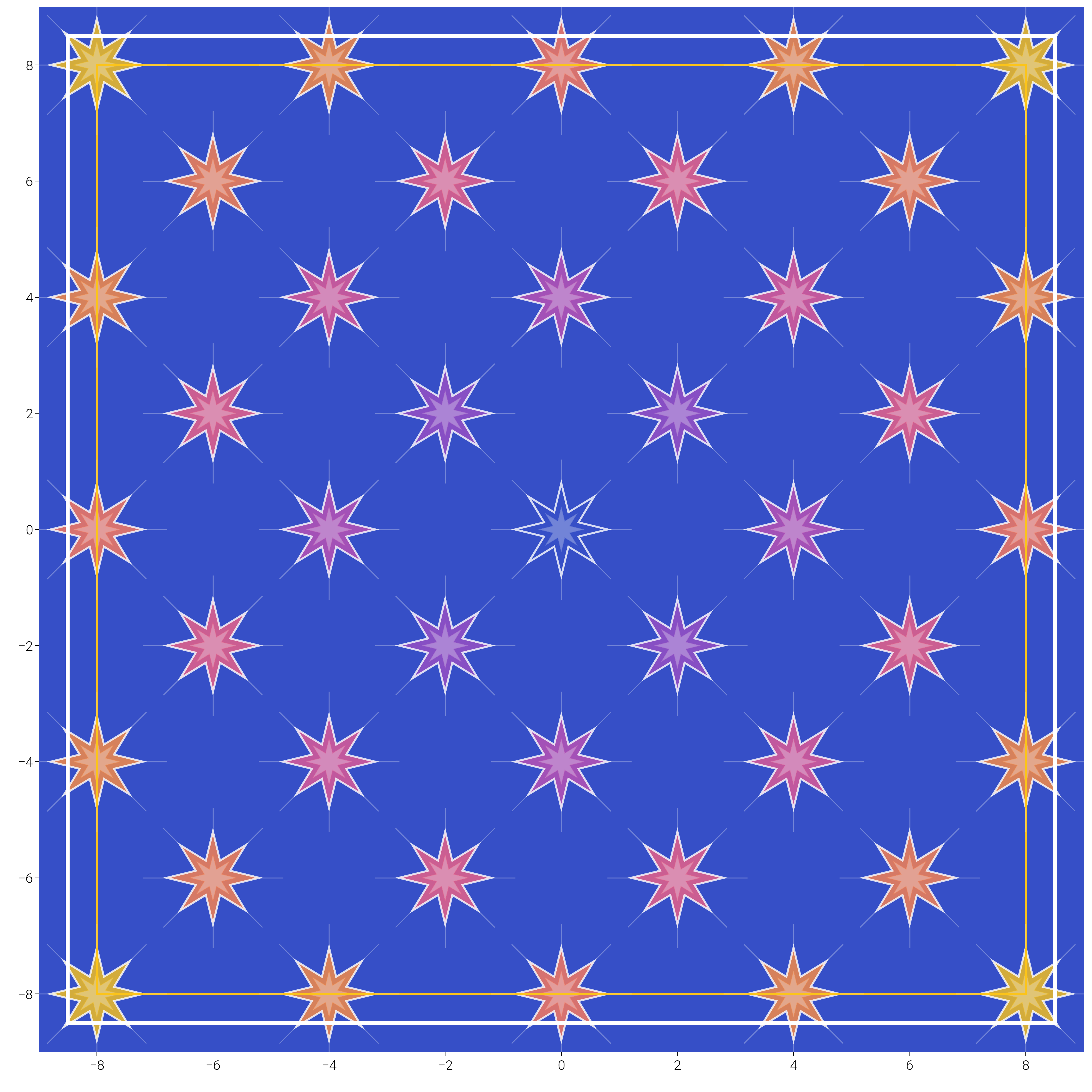
Islamic Geometric Pattern
Create intricate Islamic geometric patterns with color gradients.
fig, ax = plt.subplots(figsize=(dm.cm2in(20), dm.cm2in(20)))


def create_islamic_star(center, size, n_points=8):
    """Create an Islamic star pattern"""
    outer_points = []
    inner_points = []

    for i in range(n_points):
        # Outer points
        angle_outer = i * 2 * np.pi / n_points
        x_outer = center[0] + size * np.cos(angle_outer)
        y_outer = center[1] + size * np.sin(angle_outer)
        outer_points.append([x_outer, y_outer])

        # Inner points (between outer points)
        angle_inner = (i + 0.5) * 2 * np.pi / n_points
        x_inner = center[0] + size * 0.4 * np.cos(angle_inner)
        y_inner = center[1] + size * 0.4 * np.sin(angle_inner)
        inner_points.append([x_inner, y_inner])

    # Create star polygon
    star_points = []
    for i in range(n_points):
        star_points.append(outer_points[i])
        star_points.append(inner_points[i])

    return star_points


# Create tessellation grid
grid_size = 4
centers = []
for i in range(-grid_size, grid_size + 1):
    for j in range(-grid_size, grid_size + 1):
        x = i * 2
        y = j * 2
        if (i + j) % 2 == 0:
            centers.append((x, y))

# Color gradient from center
max_dist = np.sqrt(2 * grid_size**2) * 2
colors_islamic = dm.cspace("oc.indigo9", "oc.yellow5", n=100, space="oklch")

# Draw stars
for center in centers:
    # Calculate distance from origin for color
    dist = np.sqrt(center[0] ** 2 + center[1] ** 2)
    color_idx = int((dist / max_dist) * 99)
    color = colors_islamic[min(color_idx, 99)]

    # Main star
    star_points = create_islamic_star(center, 0.8, 8)
    star = Polygon(
        star_points,
        facecolor=color.to_hex(),
        edgecolor="white",
        linewidth=1,
        alpha=0.8,
    )
    ax.add_patch(star)

    # Inner decoration
    inner_star_points = create_islamic_star(center, 0.4, 8)
    inner_star = Polygon(
        inner_star_points,
        facecolor="white",
        edgecolor=color.to_hex(),
        linewidth=0.5,
        alpha=0.3,
    )
    ax.add_patch(inner_star)

    # Connecting lines
    for i in range(8):
        angle = i * 2 * np.pi / 8
        x1 = center[0] + 0.8 * np.cos(angle)
        y1 = center[1] + 0.8 * np.sin(angle)
        x2 = center[0] + 1.2 * np.cos(angle)
        y2 = center[1] + 1.2 * np.sin(angle)
        ax.plot([x1, x2], [y1, y2], color="white", lw=0.5, alpha=0.3)

# Add frame
frame = Rectangle(
    (-8.5, -8.5), 17, 17, fill=False, edgecolor="white", linewidth=2
)
ax.add_patch(frame)

# Inner frame
inner_frame = Rectangle(
    (-8, -8), 16, 16, fill=False, edgecolor="oc.yellow5", linewidth=1
)
ax.add_patch(inner_frame)

# Styling
ax.set_xlim(-9, 9)
ax.set_ylim(-9, 9)
ax.set_aspect("equal")
dm.hide_all_spines(ax)
ax.set_facecolor("oc.indigo9")

# Title
ax.text(
    0,
    -9.5,
    "Islamic Geometric Pattern",
    ha="center",
    fontsize=dm.fs(3),
    color="white",
    weight="bold",
)

dm.simple_layout(fig)
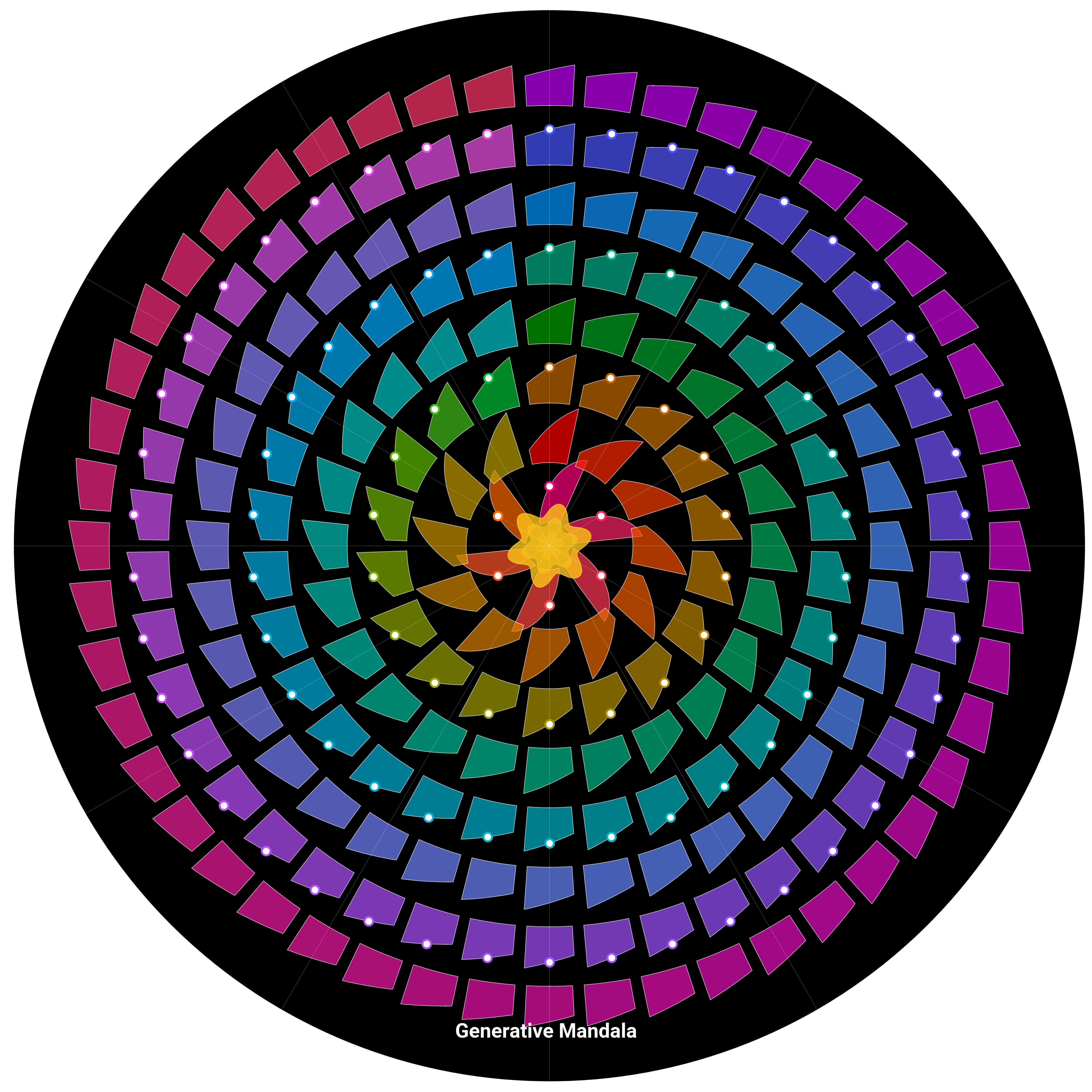
Mandala Generator
Create a complex mandala with multiple layers of geometric patterns.
fig, ax = plt.subplots(
    figsize=(dm.cm2in(20), dm.cm2in(20)), subplot_kw={"projection": "polar"}
)

# Define mandala parameters
n_rings = 8
n_petals = [6, 12, 18, 24, 30, 36, 42, 48]
radii = np.linspace(0.5, 4, n_rings)

# Create color schemes for each ring
ring_colors = []
for i in range(n_rings):
    start_hue = i * 45
    end_hue = start_hue + 60
    start_color = dm.oklch(0.6, 0.3, start_hue % 360)
    end_color = dm.oklch(0.7, 0.25, end_hue % 360)
    colors = dm.cspace(
        start_color.to_hex(), end_color.to_hex(), n=n_petals[i], space="oklch"
    )
    ring_colors.append(colors)

# Draw mandala rings
for ring_idx, (radius, n_petal, colors) in enumerate(
    zip(radii, n_petals, ring_colors, strict=False)
):
    for petal_idx in range(n_petal):
        # Calculate petal position
        theta = petal_idx * 2 * np.pi / n_petal

        # Create petal shape
        petal_width = 2 * np.pi / n_petal * 0.8
        theta_range = np.linspace(
            theta - petal_width / 2, theta + petal_width / 2, 50
        )

        # Petal radial profile
        r_inner = radius - 0.3
        r_outer = radius + 0.3 * np.sin(3 * (theta_range - theta))

        # Draw petal
        ax.fill_between(
            theta_range,
            r_inner,
            r_outer,
            color=colors[petal_idx].to_hex(),
            alpha=0.7,
            edgecolor="white",
            linewidth=0.3,
        )

        # Add decorative elements
        if ring_idx % 2 == 0:
            ax.scatter(
                theta,
                radius,
                s=20,
                c="white",
                edgecolors=colors[petal_idx].to_hex(),
                linewidths=1,
                zorder=10,
            )

# Add center ornament
theta_center = np.linspace(0, 2 * np.pi, 100)
for r, alpha in [(0.3, 0.8), (0.2, 0.6), (0.1, 0.4)]:
    r_center = r * (1 + 0.2 * np.sin(6 * theta_center))
    ax.fill(theta_center, r_center, color="oc.yellow5", alpha=alpha)

# Add radial lines
for angle in np.linspace(0, 2 * np.pi, 12, endpoint=False):
    ax.plot([angle, angle], [0, 4.5], color="white", lw=0.3, alpha=0.2)

# Styling
ax.set_ylim(0, 4.5)
ax.set_theta_zero_location("N")
ax.set_theta_direction(-1)
dm.hide_all_spines(ax)
ax.set_xticks([])
ax.set_yticks([])
ax.set_facecolor("black")

# Add title (in cartesian coordinates)
fig.text(
    0.5,
    0.05,
    "Generative Mandala",
    ha="center",
    fontsize=dm.fs(3),
    color="white",
    weight="bold",
)

dm.simple_layout(fig)
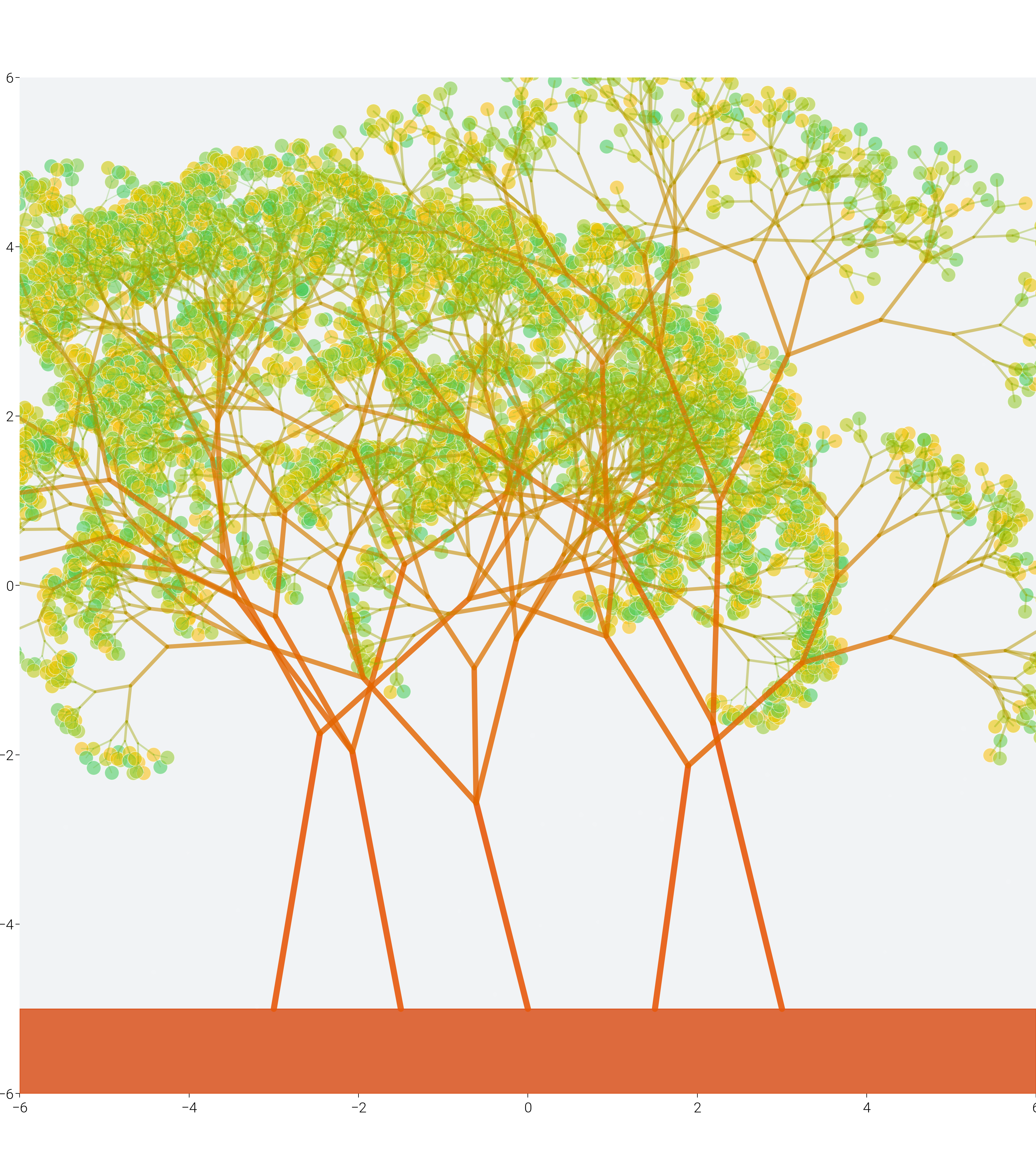
Fractal Tree Pattern
Create a recursive fractal tree with gradient branches.
fig, ax = plt.subplots(figsize=(dm.cm2in(18), dm.cm2in(20)))


def draw_fractal_tree(ax, x, y, angle, length, depth, max_depth, colors):
    """Recursively draw fractal tree branches"""
    if depth > max_depth:
        return

    # Calculate end point
    x_end = x + length * np.cos(angle)
    y_end = y + length * np.sin(angle)

    # Color based on depth
    color = colors[depth % len(colors)]

    # Line width decreases with depth
    lw = max(0.5, 3 - depth * 0.3)

    # Draw branch
    ax.plot(
        [x, x_end],
        [y, y_end],
        color=color.to_hex(),
        linewidth=lw,
        alpha=0.9 - depth * 0.08,
        solid_capstyle="round",
    )

    # Add leaves at endpoints
    if depth >= max_depth - 1:
        leaf_colors = dm.cspace("oc.green5", "oc.yellow5", n=10)
        leaf_color = leaf_colors[np.random.randint(0, 10)]
        ax.scatter(
            x_end,
            y_end,
            s=50,
            c=[leaf_color.to_hex()],
            alpha=0.6,
            edgecolors="white",
            linewidths=0.3,
        )

    # Branch angles
    branch_angle = np.pi / 6 + np.random.uniform(-np.pi / 12, np.pi / 12)
    length_factor = 0.7 + np.random.uniform(-0.1, 0.1)

    # Recursive branches
    draw_fractal_tree(
        ax,
        x_end,
        y_end,
        angle - branch_angle,
        length * length_factor,
        depth + 1,
        max_depth,
        colors,
    )

    draw_fractal_tree(
        ax,
        x_end,
        y_end,
        angle + branch_angle,
        length * length_factor,
        depth + 1,
        max_depth,
        colors,
    )

    # Occasionally add third branch
    if np.random.random() > 0.7:
        draw_fractal_tree(
            ax,
            x_end,
            y_end,
            angle + np.random.uniform(-np.pi / 8, np.pi / 8),
            length * length_factor * 0.8,
            depth + 1,
            max_depth,
            colors,
        )


# Create color gradient for branches
branch_colors = dm.cspace("oc.orange8", "oc.green6", n=10)

# Draw multiple trees for a forest effect
tree_positions = [(-3, -5), (0, -5), (3, -5), (-1.5, -5), (1.5, -5)]
for x_pos, y_pos in tree_positions:
    # Vary tree parameters
    max_depth = np.random.randint(7, 10)
    initial_length = np.random.uniform(2.5, 3.5)
    initial_angle = np.pi / 2 + np.random.uniform(-np.pi / 12, np.pi / 12)

    draw_fractal_tree(
        ax,
        x_pos,
        y_pos,
        initial_angle,
        initial_length,
        0,
        max_depth,
        branch_colors,
    )

# Add ground
ground_y = -5
ax.fill_between([-6, 6], ground_y, ground_y - 1, color="oc.orange9", alpha=0.8)

# Add decorative elements
for _ in range(50):
    x = np.random.uniform(-6, 6)
    y = np.random.uniform(-5, 5)
    size = np.random.uniform(1, 5)
    ax.scatter(x, y, s=size, c="white", alpha=0.1)

# Styling
ax.set_xlim(-6, 6)
ax.set_ylim(-6, 6)
ax.set_aspect("equal")
dm.hide_all_spines(ax)
ax.set_facecolor("oc.gray1")

# Title
ax.text(
    0,
    -6.5,
    "Fractal Forest",
    ha="center",
    fontsize=dm.fs(3),
    color="white",
    weight="bold",
)

dm.simple_layout(fig)

plt.show()
Total running time of the script: (2 minutes 47.069 seconds)