Note
Go to the end to download the full example code.
Icon Fonts (Material Design / Font Awesome)
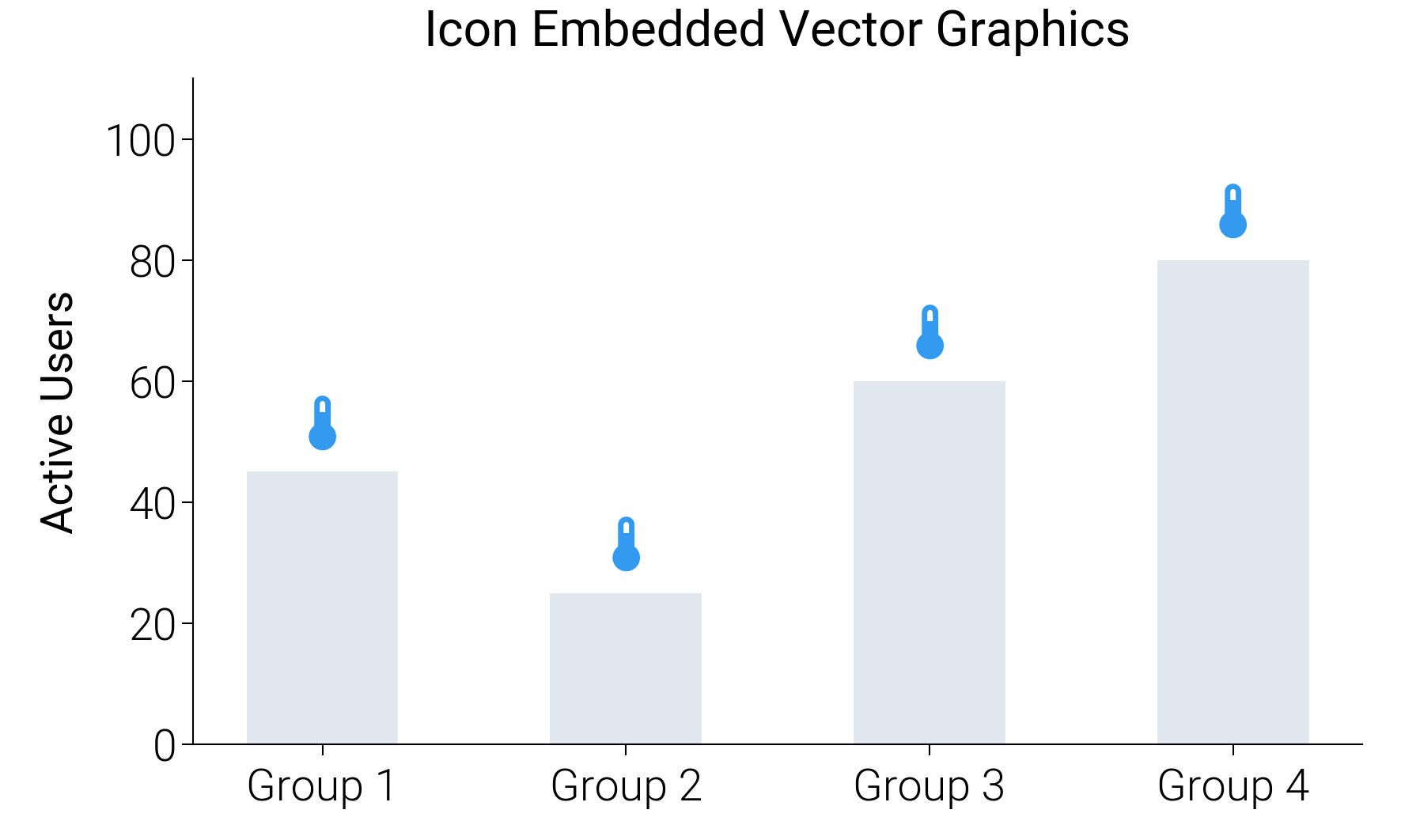
dartwork-mpl ships with Material Design Icons (7,448+) and Font Awesome 6,
enabling you to embed vector icons directly into plots as font glyphs —
keeping outputs perfectly crisp and lightweight in any format.
import matplotlib.pyplot as plt

import dartwork_mpl as dm

dm.style.use("report")

fig, ax = plt.subplots(figsize=(dm.SW, dm.SW * 0.6))

# Load the Material Design Icons font
mdi = dm.icon_font("mdi")

platforms = ["Group 1", "Group 2", "Group 3", "Group 4"]
users = [45, 25, 60, 80]

ax.bar(platforms, users, color="tw.slate200", width=0.5)

# Place an icon (account glyph) above each bar
for i, user in enumerate(users):
    ax.text(
        i,
        user + 4,
        "\U000f050f",
        fontproperties=mdi,
        fontsize=dm.fs(4),
        ha="center",
        color="oc.blue5",
    )

ax.set_title("Icon Embedded Vector Graphics")
ax.set_ylabel("Active Users")
ax.set_ylim(0, 110)

dm.simple_layout(fig)
plt.show()
Total running time of the script: (0 minutes 0.694 seconds)